Online Course
Lightroom Beginners
Masterclass
Self-Paced Lightroom Training You Can Finish in a Day
With National Geographic Featured Photographer Daniel Bilsborough. Lifetime access, $499 AU. Includes a 30-minute one-on-one Zoom call with Daniel after you finish the course.
Lifetime access + 30-min Zoom call with Daniel

Before & After
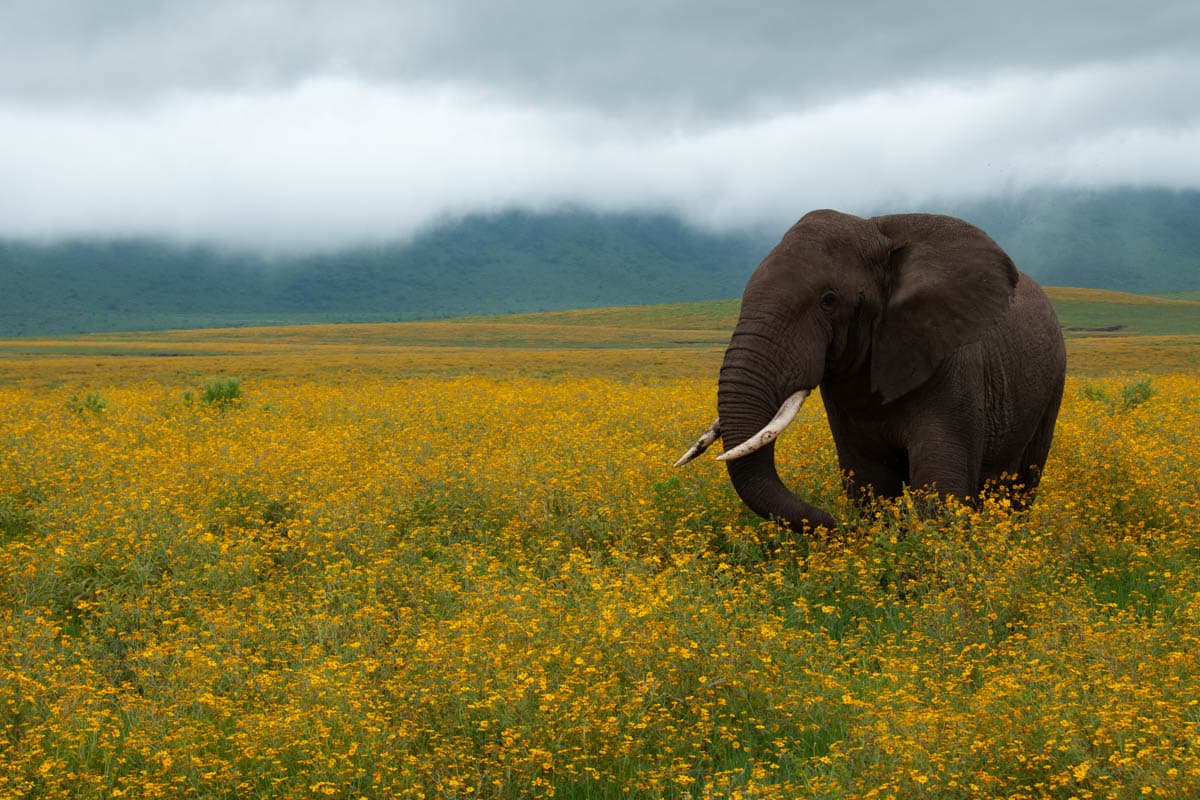
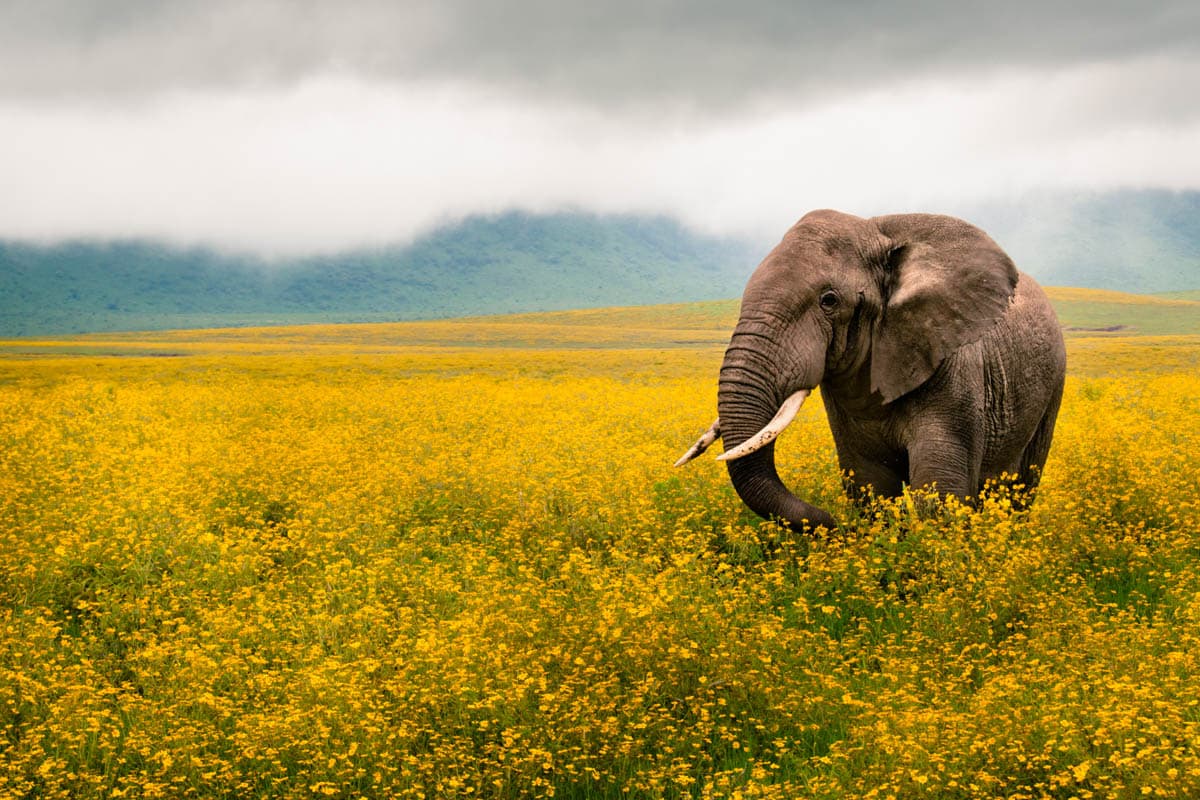
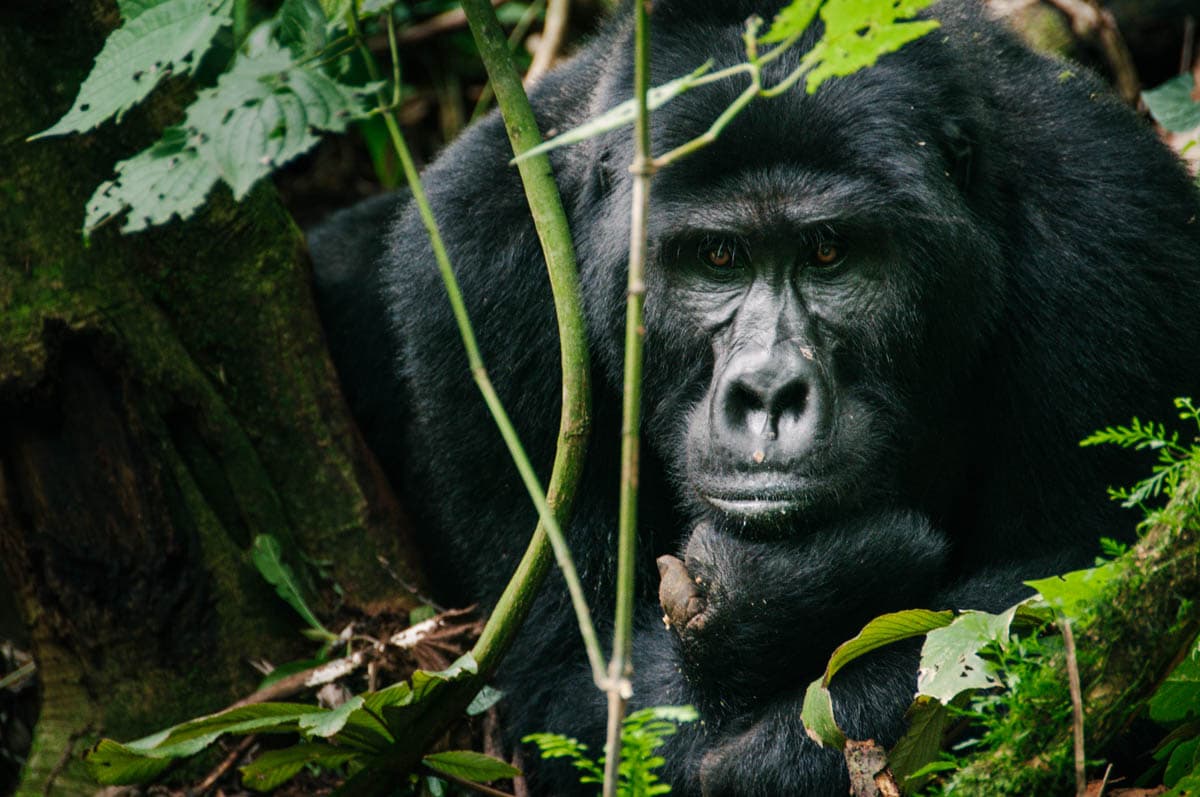
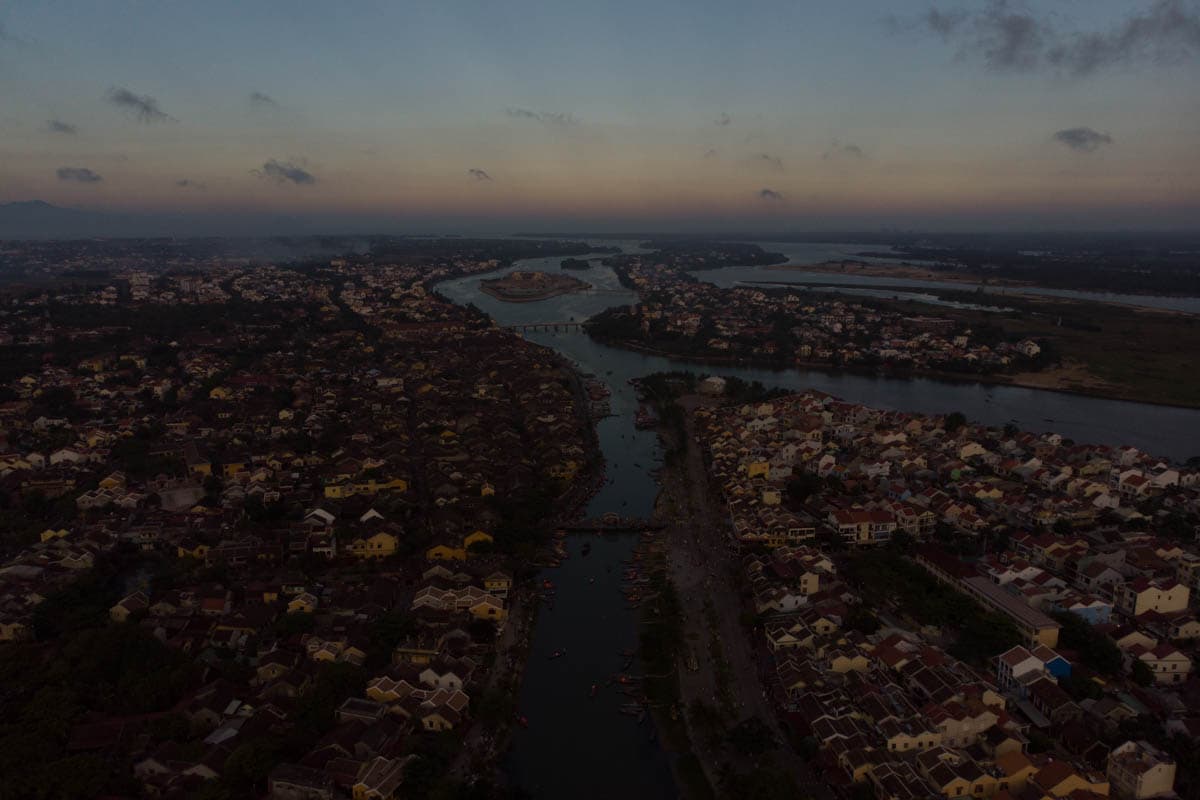
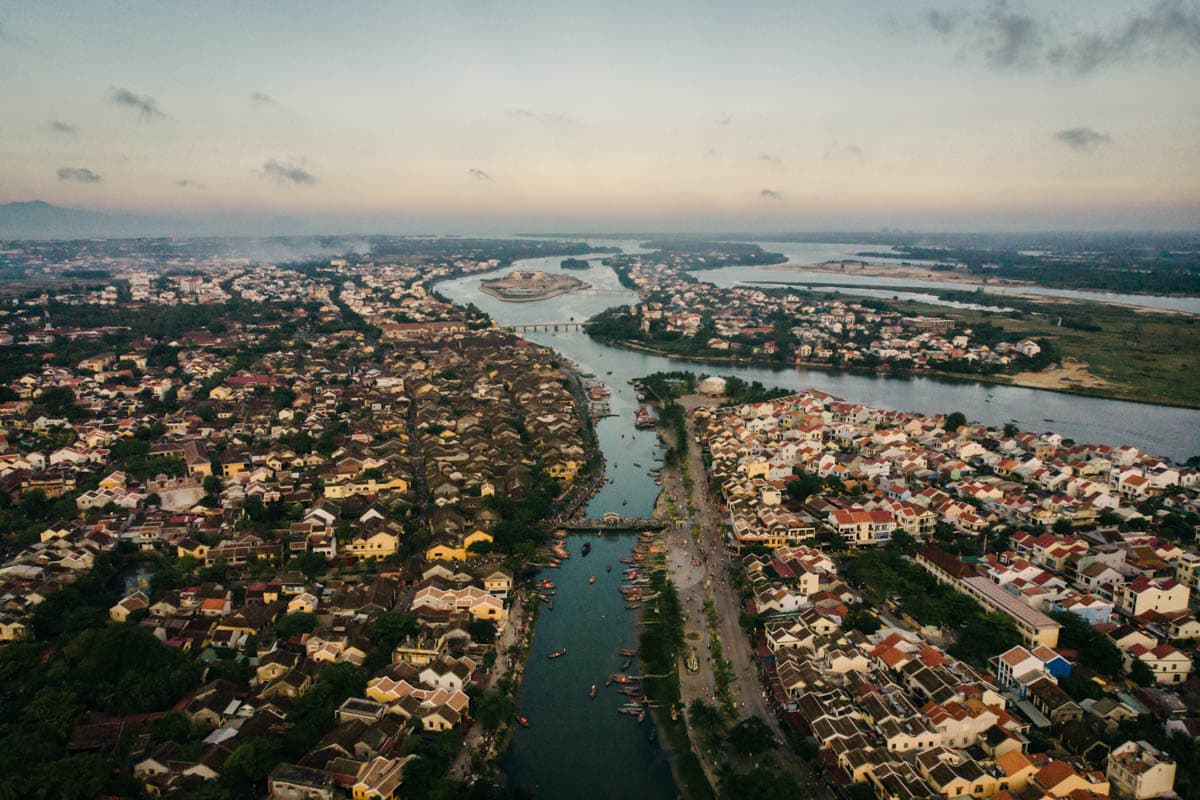
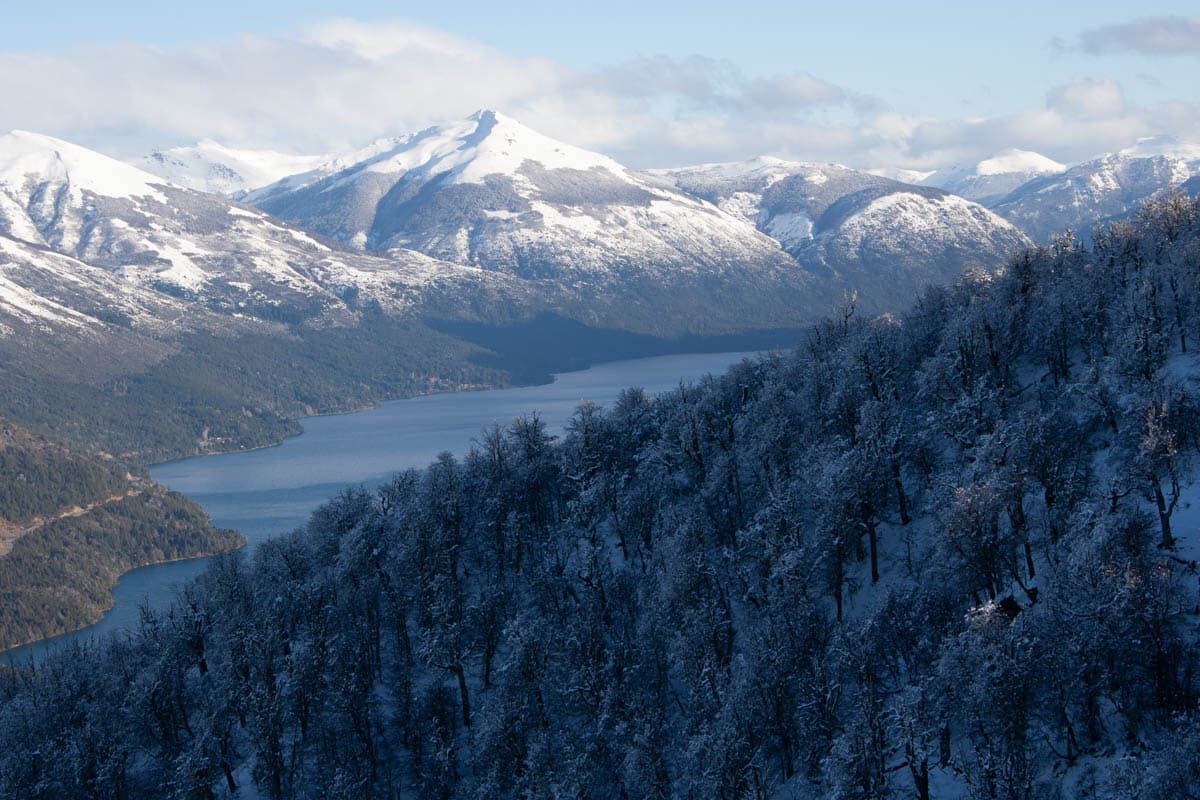
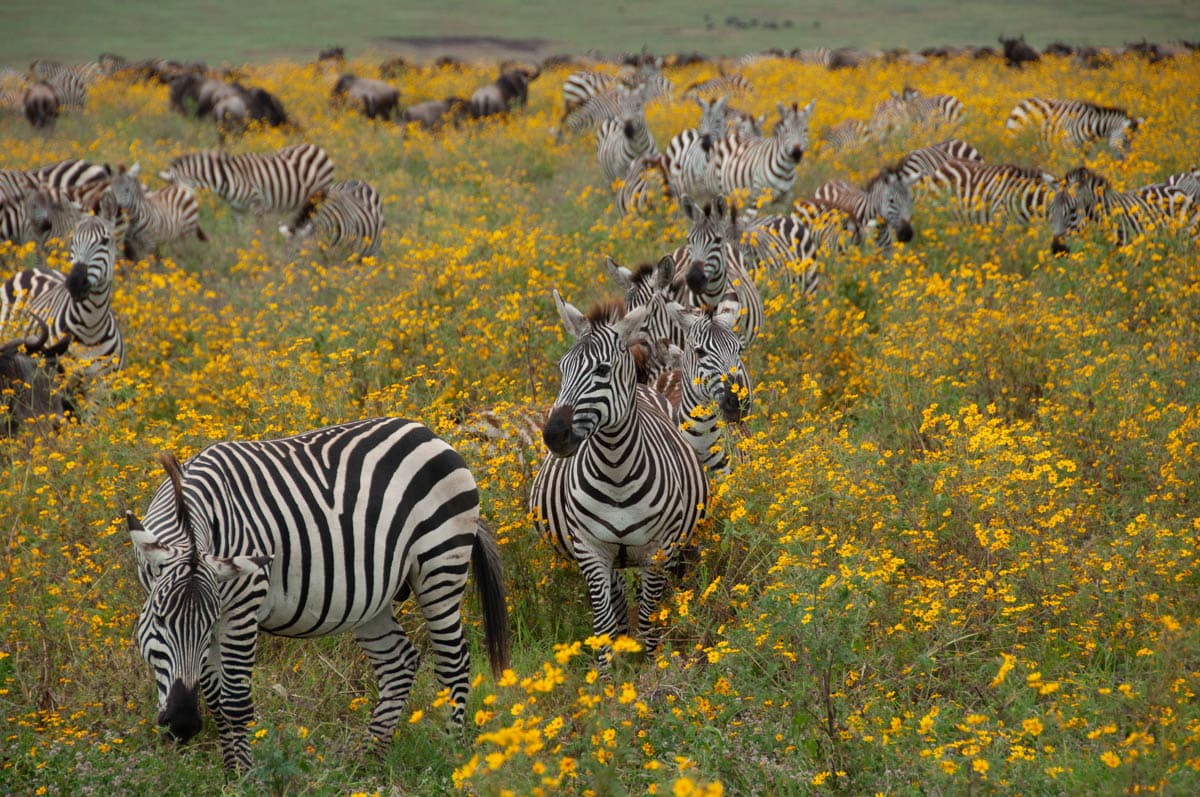
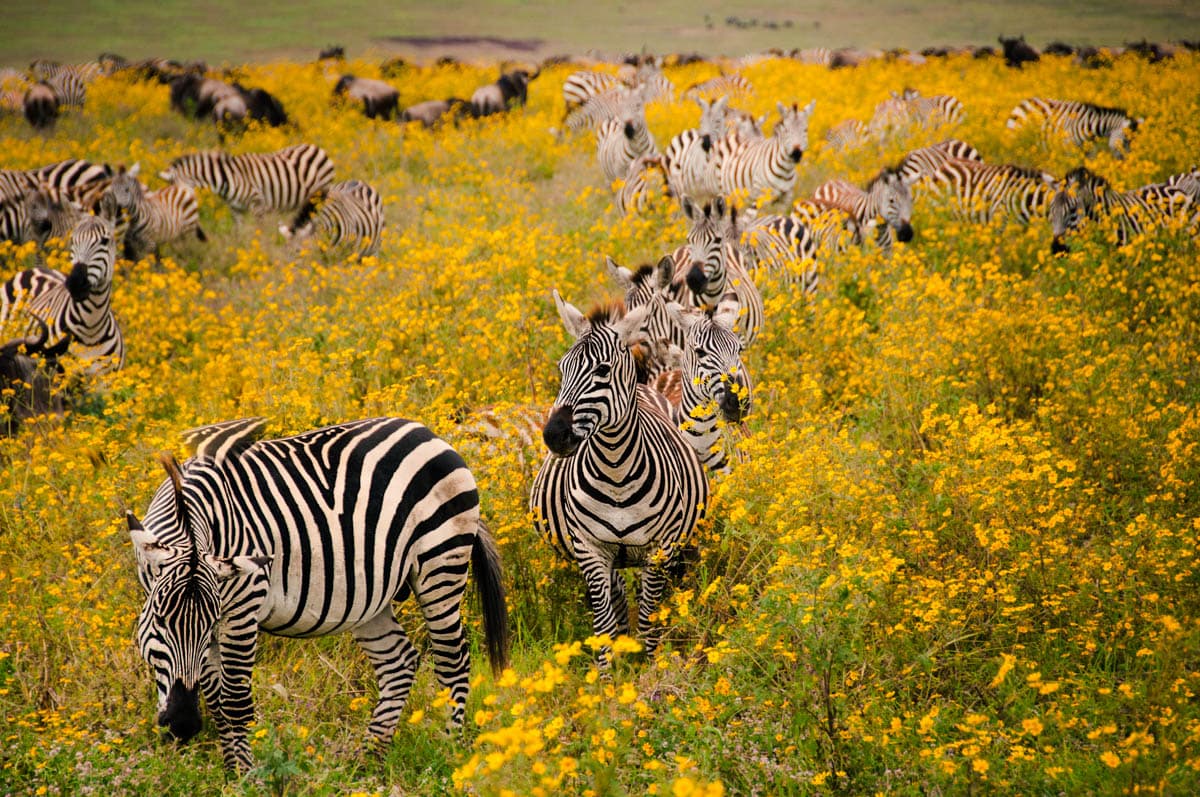
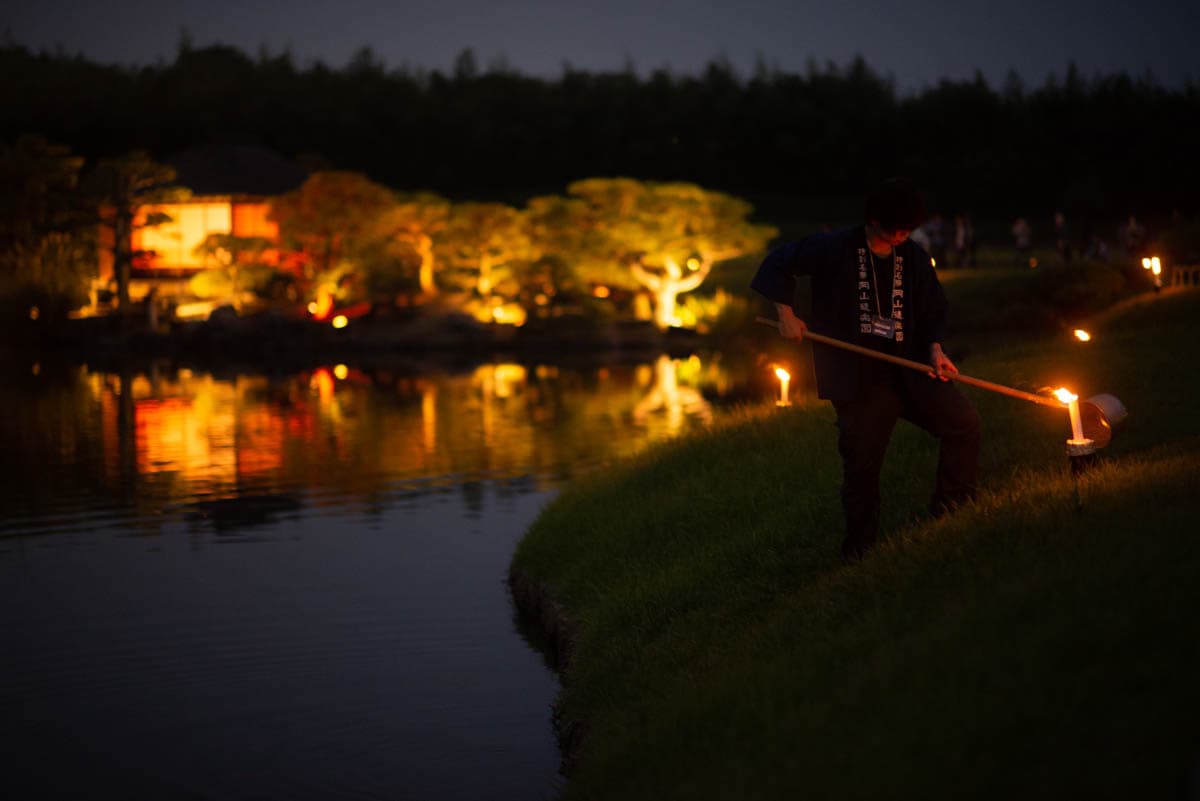
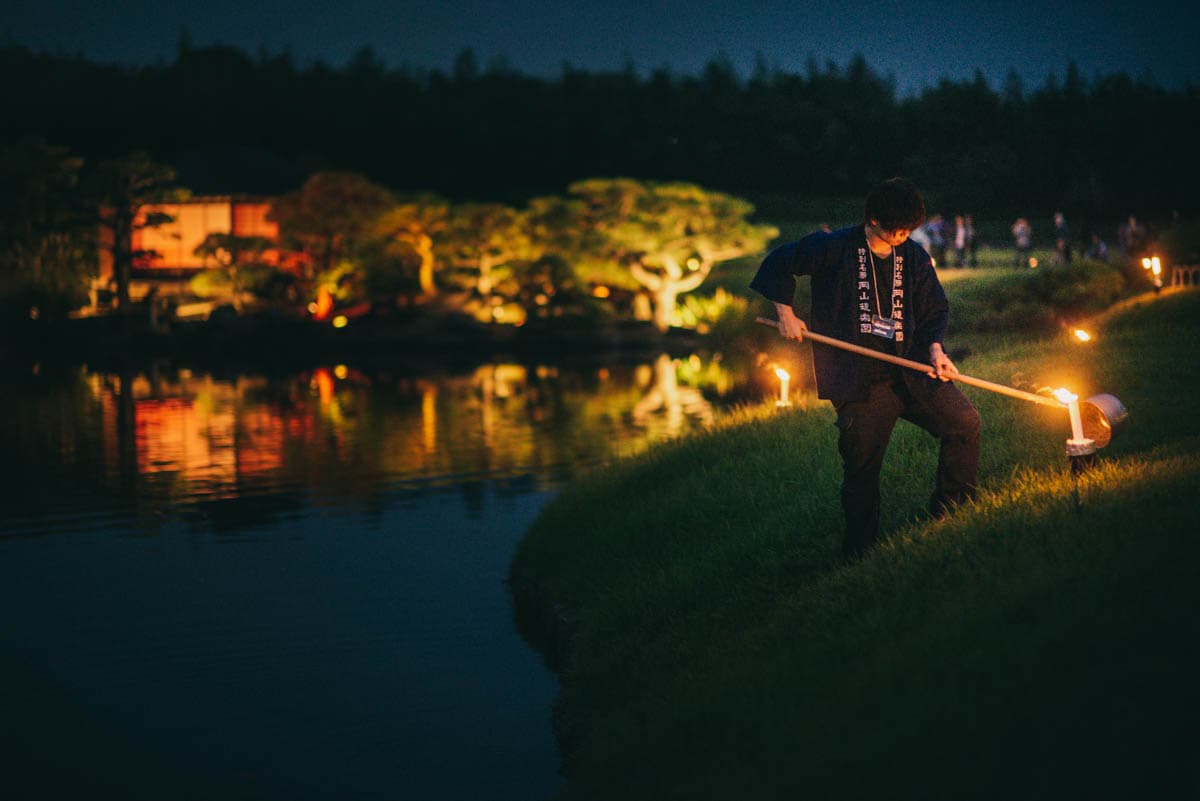
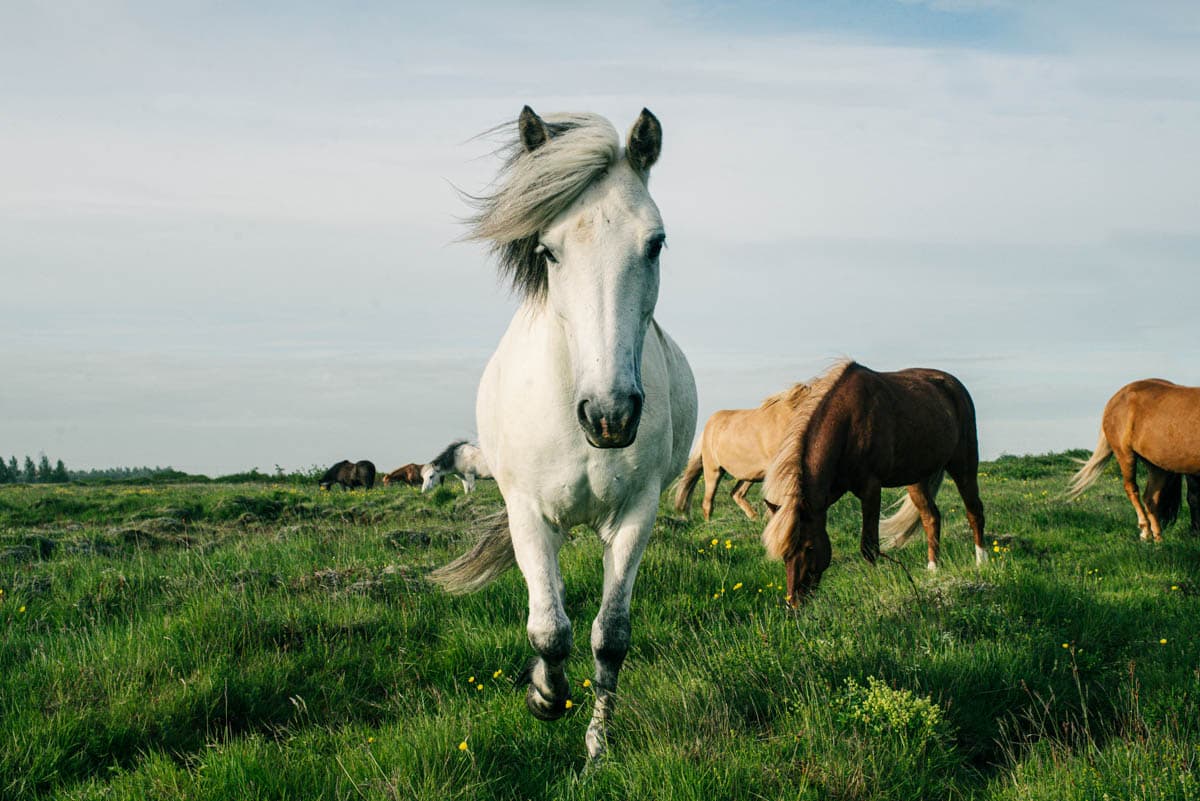
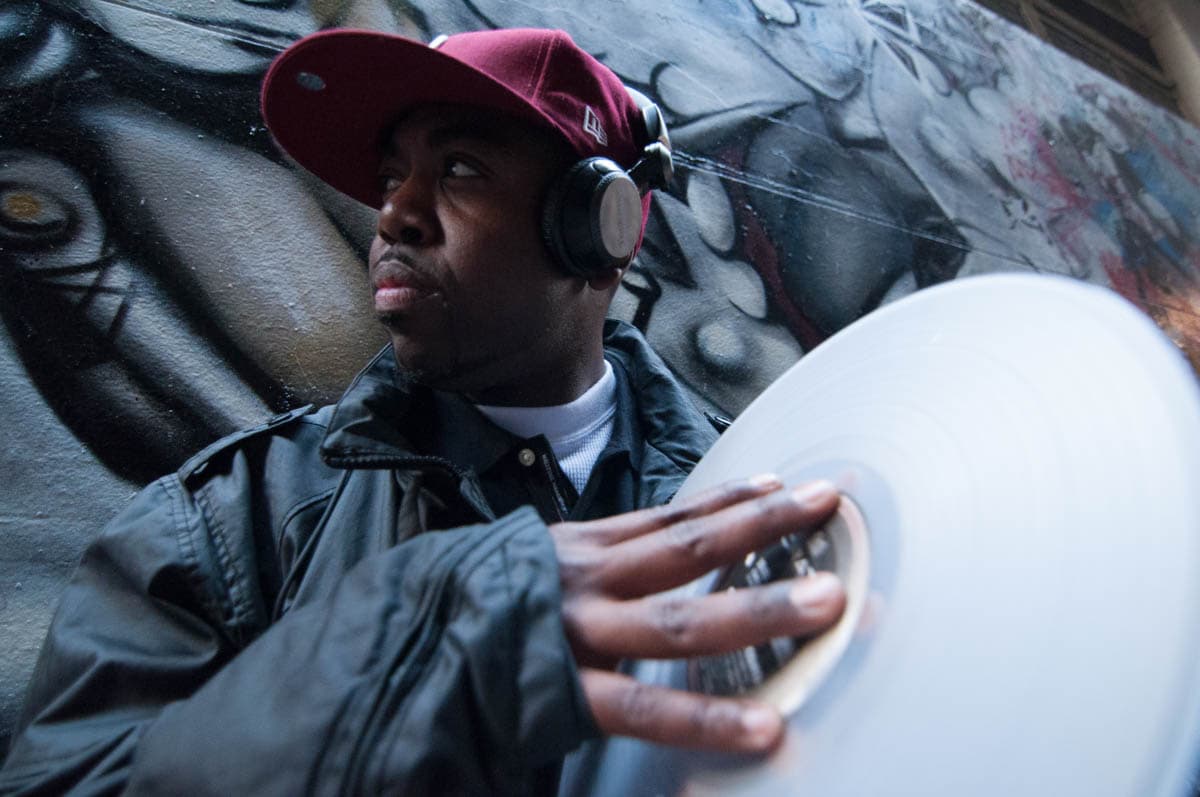
Before and after photographs below, 'out of camera' vs after this Lightroom Course.

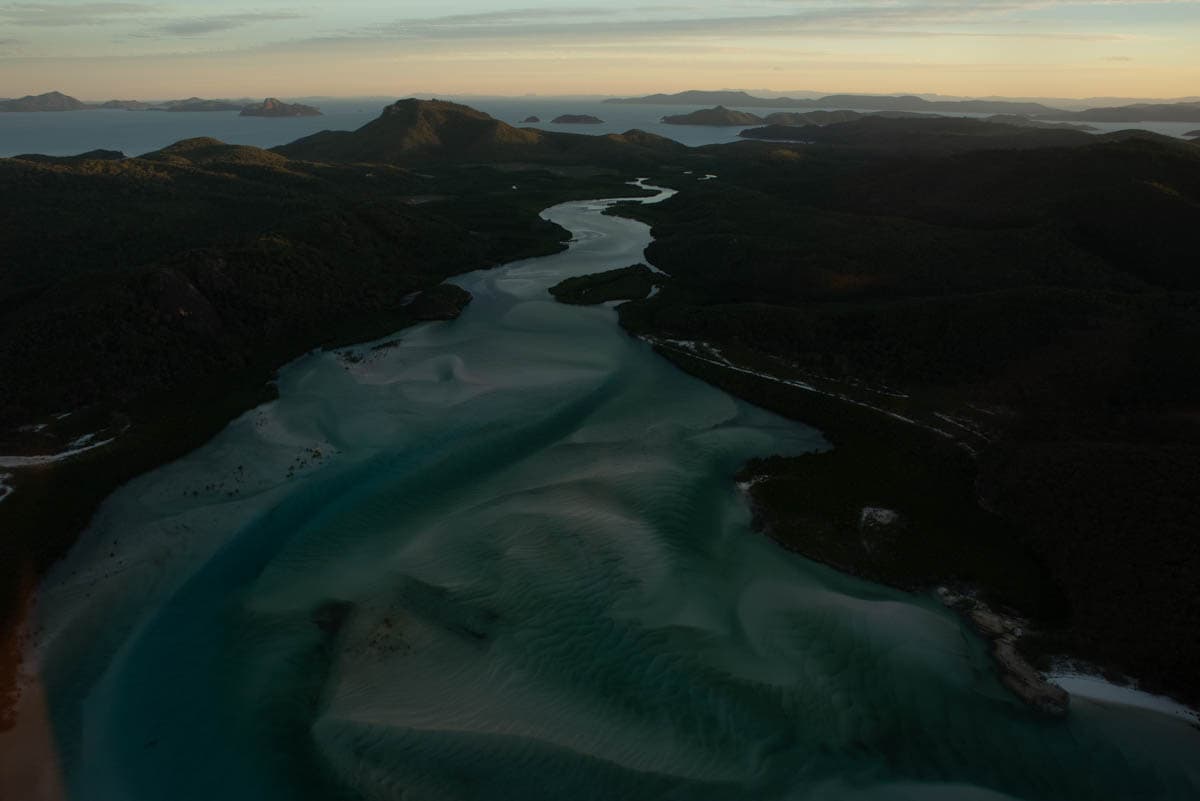
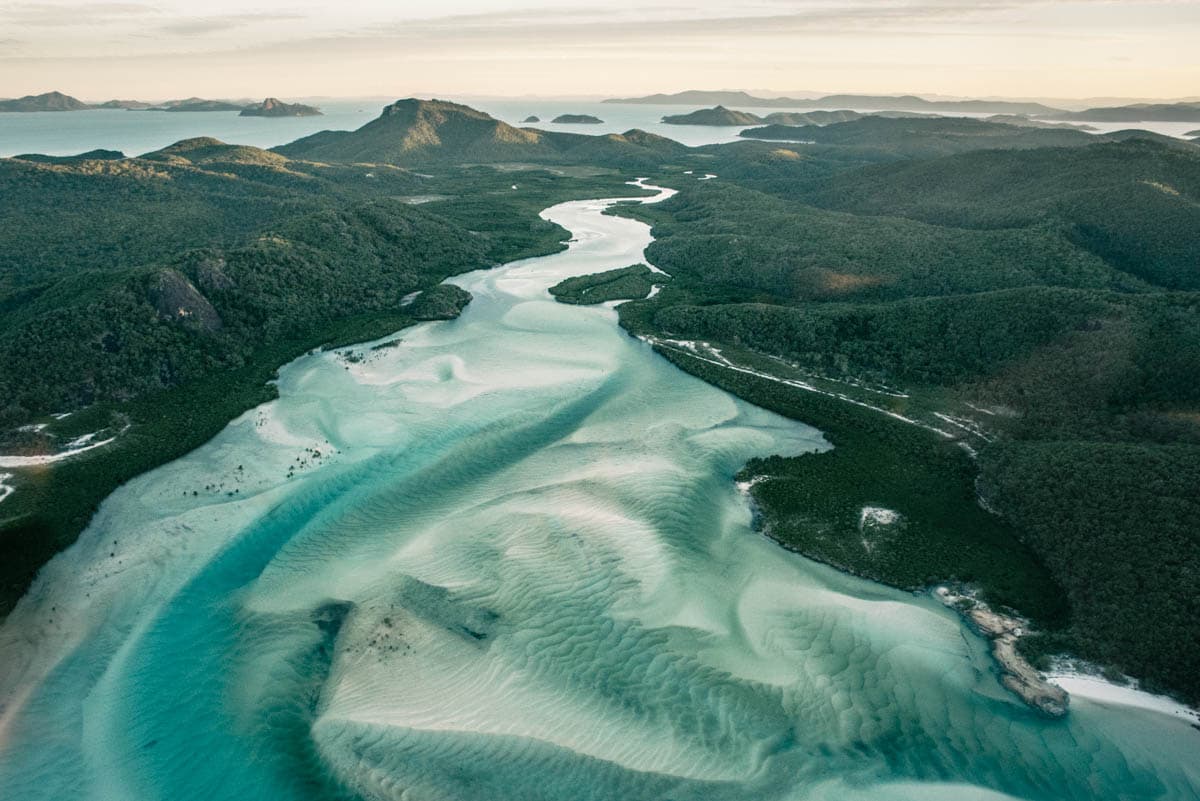

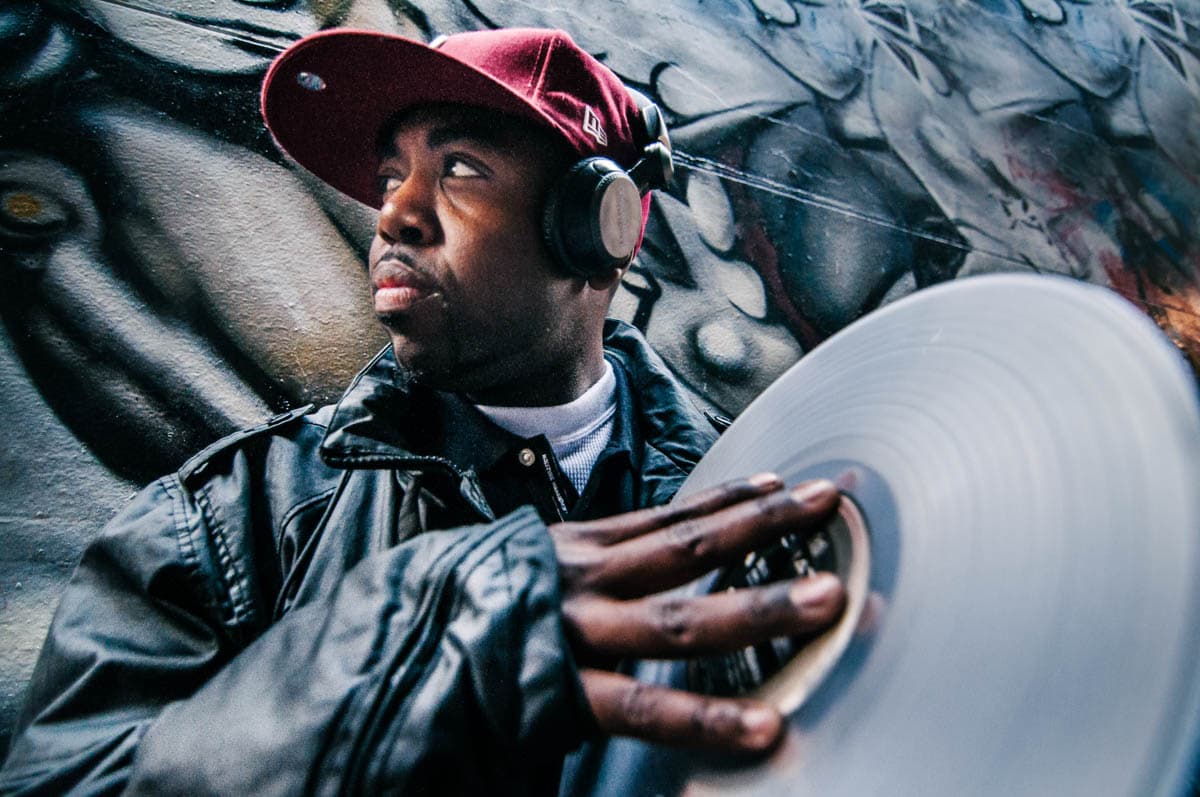
Learn Lightroom Photo Editing From Scratch
Lightroom is your digital dark room. It is the other half of the 'reality interpretation' artform we know as photography.
There are fundamentally two parts to photography. The capturing of the image. And the development of the image. With digital photography, more often than not, photography beginners haven't come across the world of digital photography development.
Digital development is the process that bridges the gap between out-of-camera shots and the photography you see in magazines and galleries.
Lightroom allows you to visually extrapolate an image to showcase your unique interpretation of your work. It is the industry standard application to manage, organise and develop your digital RAW files. Lightroom handles the full workflow from import to export.
This Lightroom course covers the full Lightroom workflow in one day. You do not require any prior experience with photography or development work in order to enrol. You simply need a digital camera that shoots in RAW, name one that doesn't. If you are still choosing one, here are the cameras I recommend to beginners.
Why Learn Lightroom
When I first picked up a camera in 2008, I had no idea what I was doing. I just knew that I loved taking photographs. I travelled the world with my camera by my side, but could never understand why my photographs didn't look like 'other people's' work. Was there more to digital photography than 'out of camera' images?
Indeed there was. In fact, there was an entire world of digital negative development (RAW file development) that I knew nothing about. And it wasn't something I heard anyone talking about at the time. Post production is a big part of what gives a photographer's work its distinctive look.
Now, Adobe Lightroom is the industry standard for professional digital post production, and anyone with a laptop can use it. We no longer need to push through the huge learning curve of film photography, where we would setup a dark room in our home and develop images over days using chemicals. Now we can develop negatives on our laptops in seconds.
No prior post production experience required. This one day online Lightroom course starts from scratch and covers the full development workflow. If you're still getting comfortable with your camera, start with our photography tips for beginners first.
At the end of the workshop, I will develop 6 images from National Geographic to show you exactly how they were processed in Lightroom.
The course covers the fundamentals of Lightroom in depth, broken down so the software doesn't get in the way of the creative work.
Development work in Lightroom is used to extrapolate your work more fully. Your camera is a limited interpretation device, it was not built for developing RAW files.
A huge part of mastering Lightroom is understanding how to use it to self-learn photography. It provides a path for you to see the limitations in your work and efficiently iterate and improve. This path is one of self discovery, where you learn to recognise and own what you love.
You do not need a university degree to create your own unique photographic masterpiece.
One thing that's rarely discussed with digital post production is how it teaches you to self-correct your photography. This course is built around that idea.
This course focuses on developing your own editing style rather than following preset trends.
Claude Code Alongside Lightroom
Claude Code is a tool from Anthropic that runs on your laptop, and a fair bit of what it does sits either side of the editing work: sorting and renaming files before they land in a Lightroom catalogue, running basic edits across a batch of photos, and writing the blog posts and Instagram captions that market a photography business.
It runs in a terminal window, so there's a bit of setup involved before it's doing anything useful. I've put the whole thing together as a Claude Code course if you want to work through it.
30-Minute Zoom Call Included
Once you've finished the course, you get a 30-minute one-on-one Zoom call with Daniel. Bring your questions, your edits, your RAW files, whatever you want to go over. It's your time.
The Zoom call is included in the $499 course fee.
Why the Price Dropped From $750 to $499
The course is now a few years old. The Lightroom interface has had some visual updates since it was recorded, but all of the fundamentals are exactly the same. The tools, the workflow, the develop module, library management, presets, RAW processing - none of that has changed.
The price reduction reflects the age of the recordings. And to bridge any gaps between what you see in the course and what you see on your screen, I'm including a 30-minute one-on-one Zoom call where you can ask me anything directly.
Daniel's Portfolio
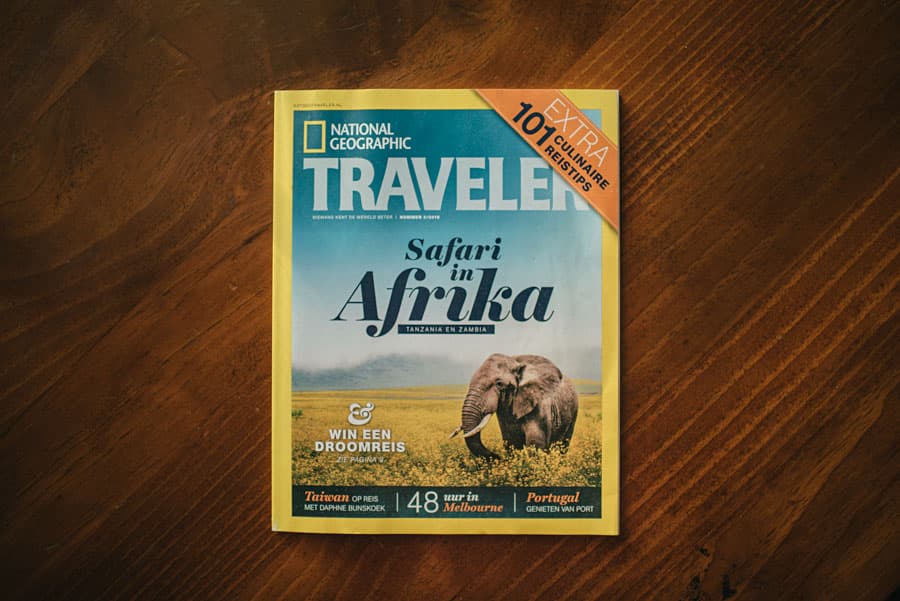
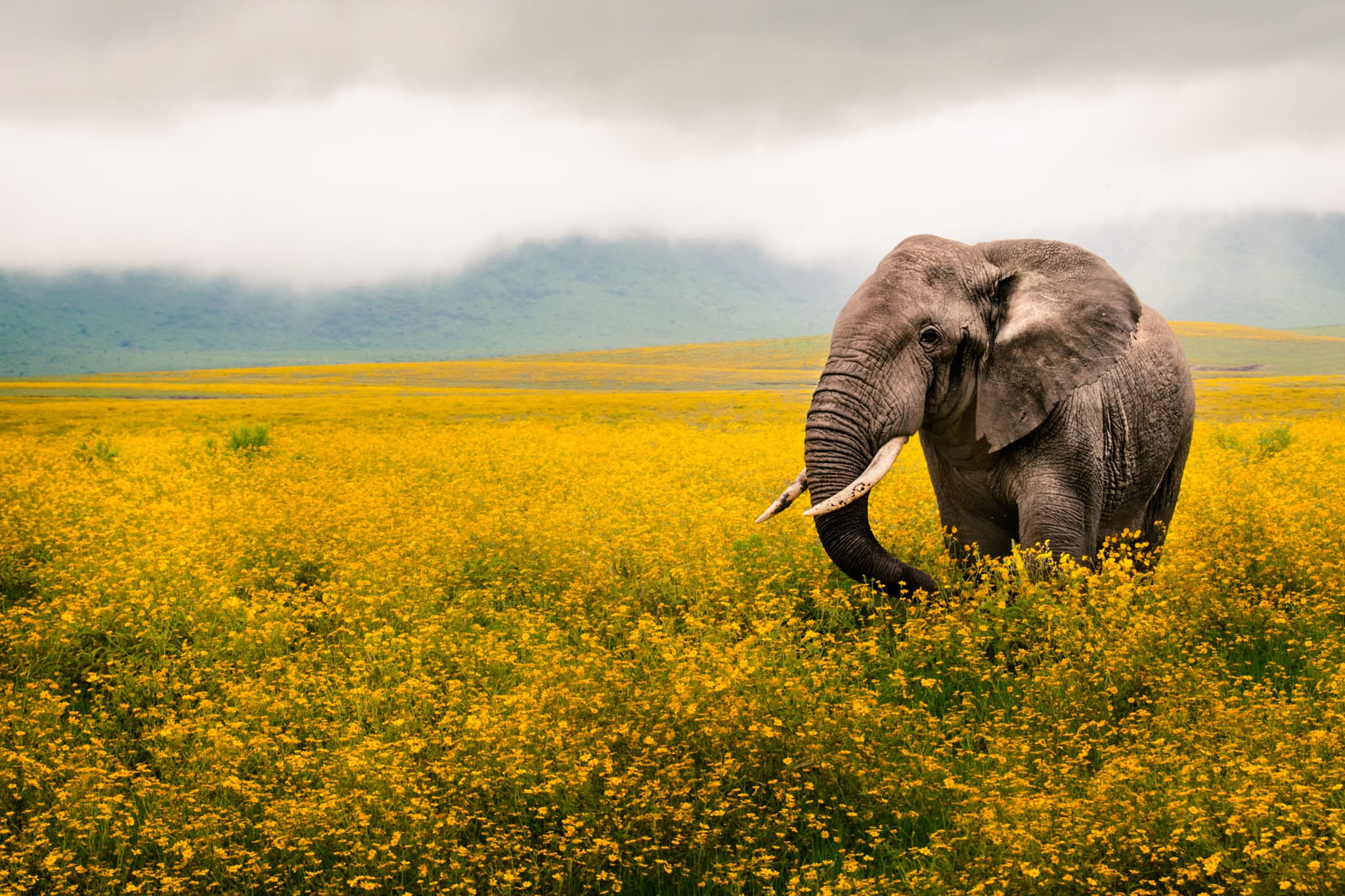
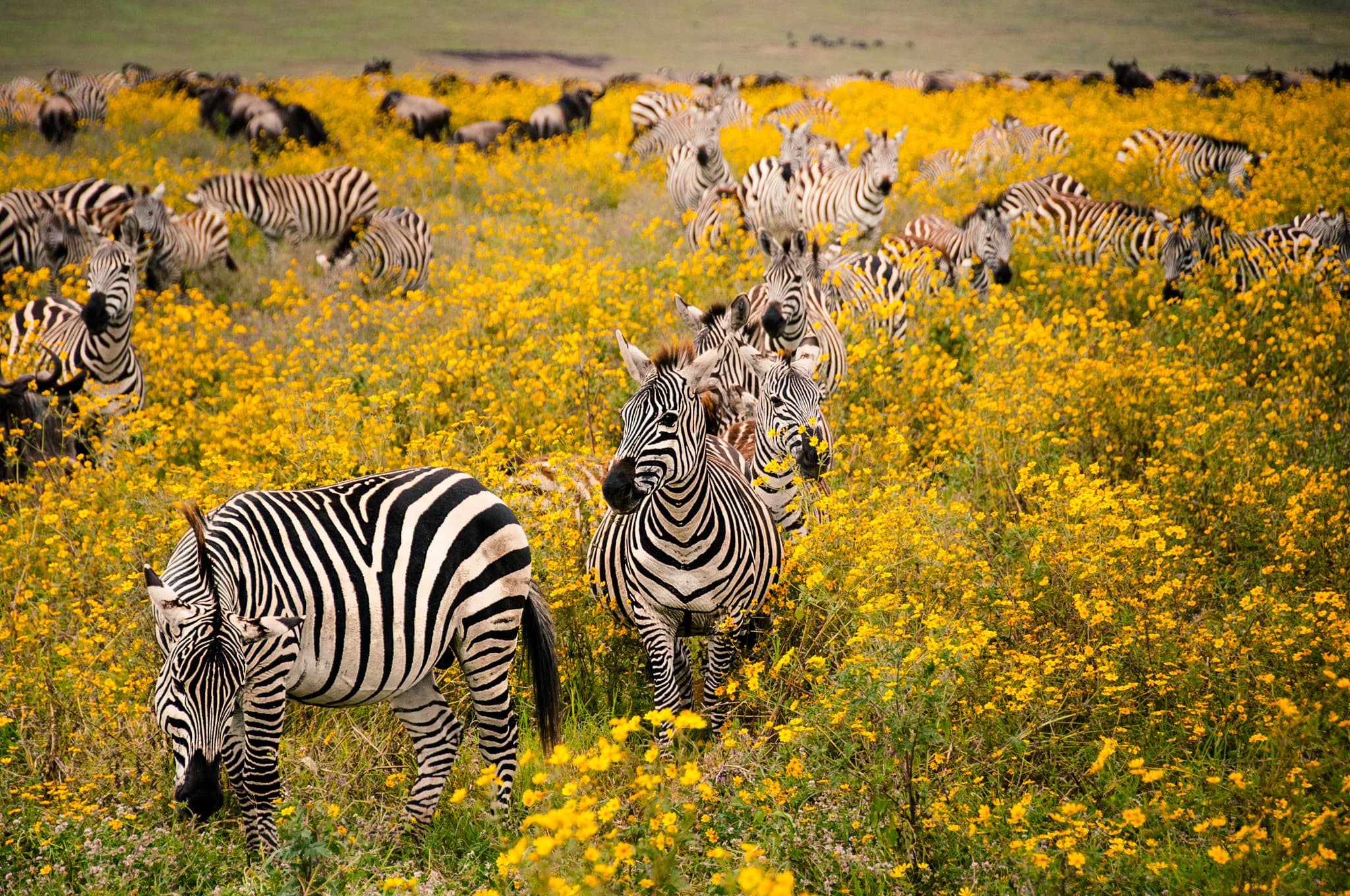
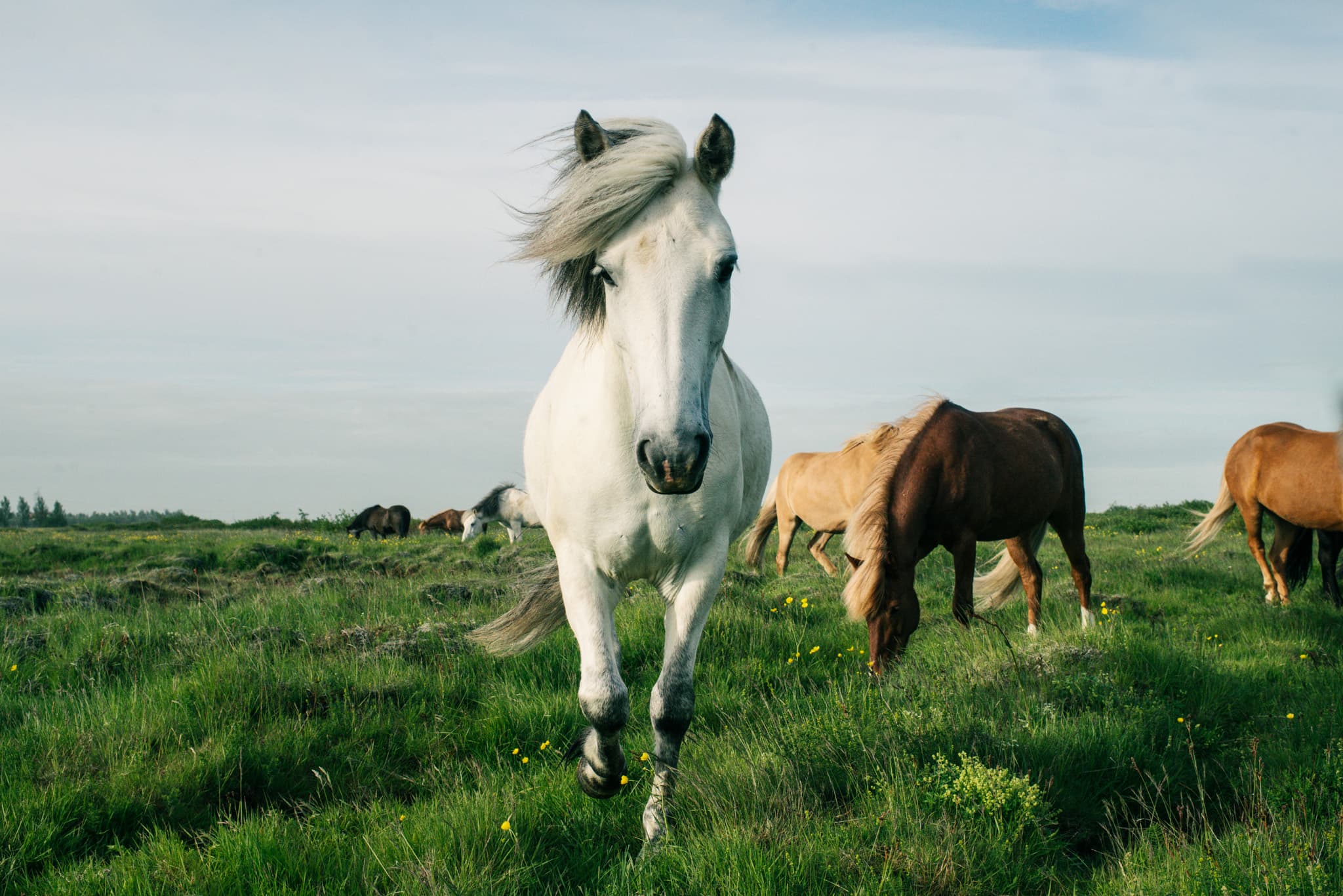
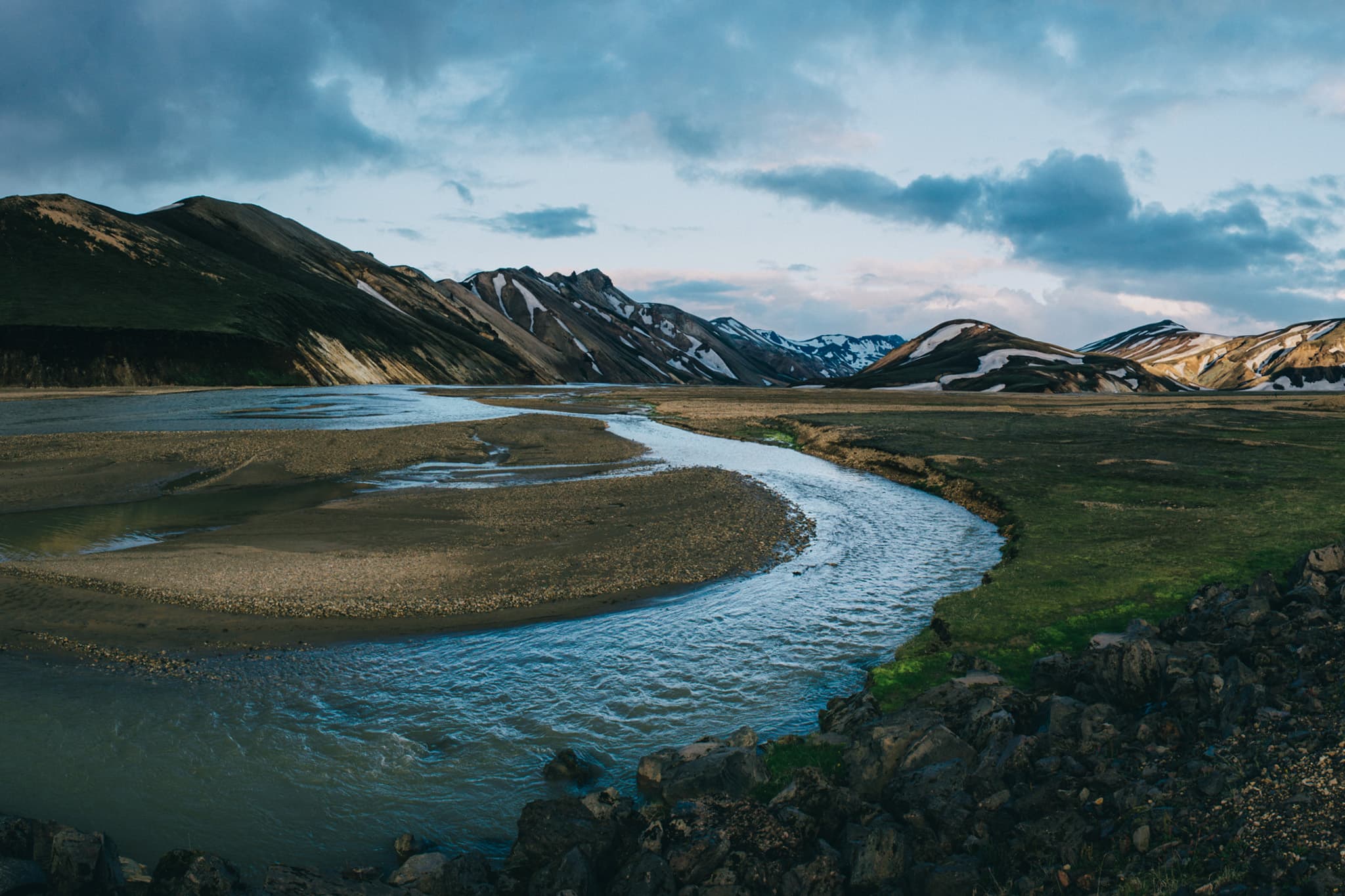
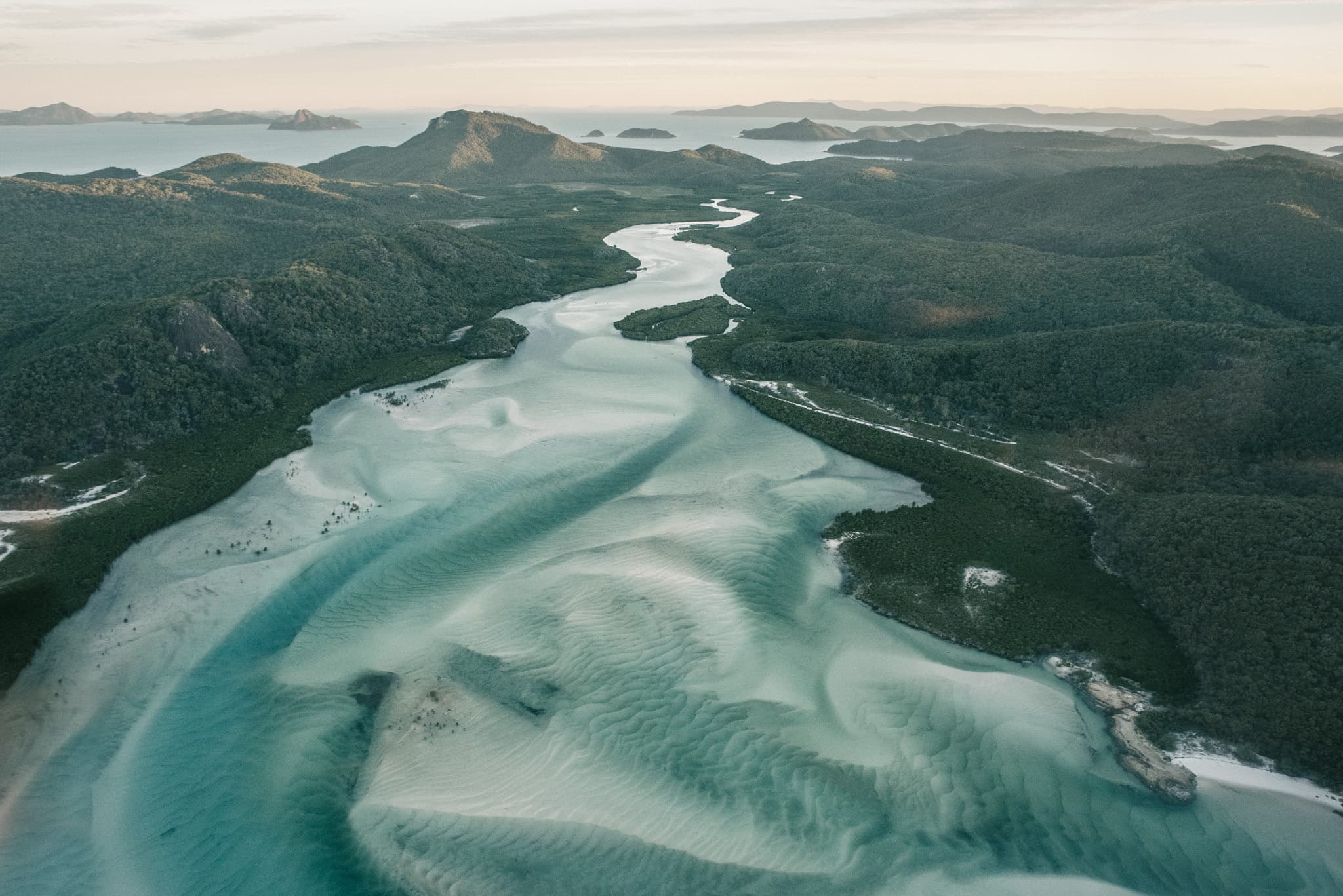
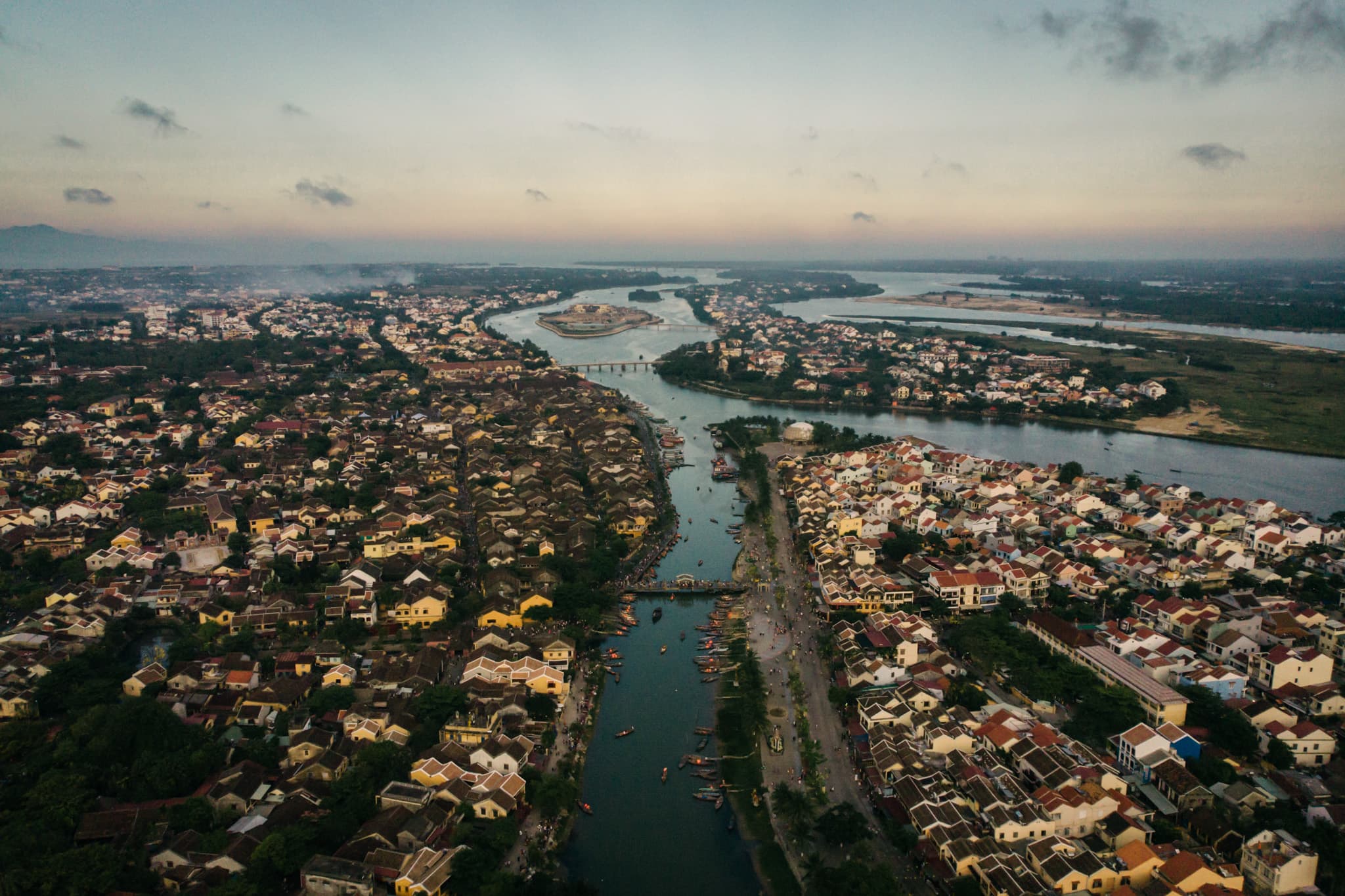
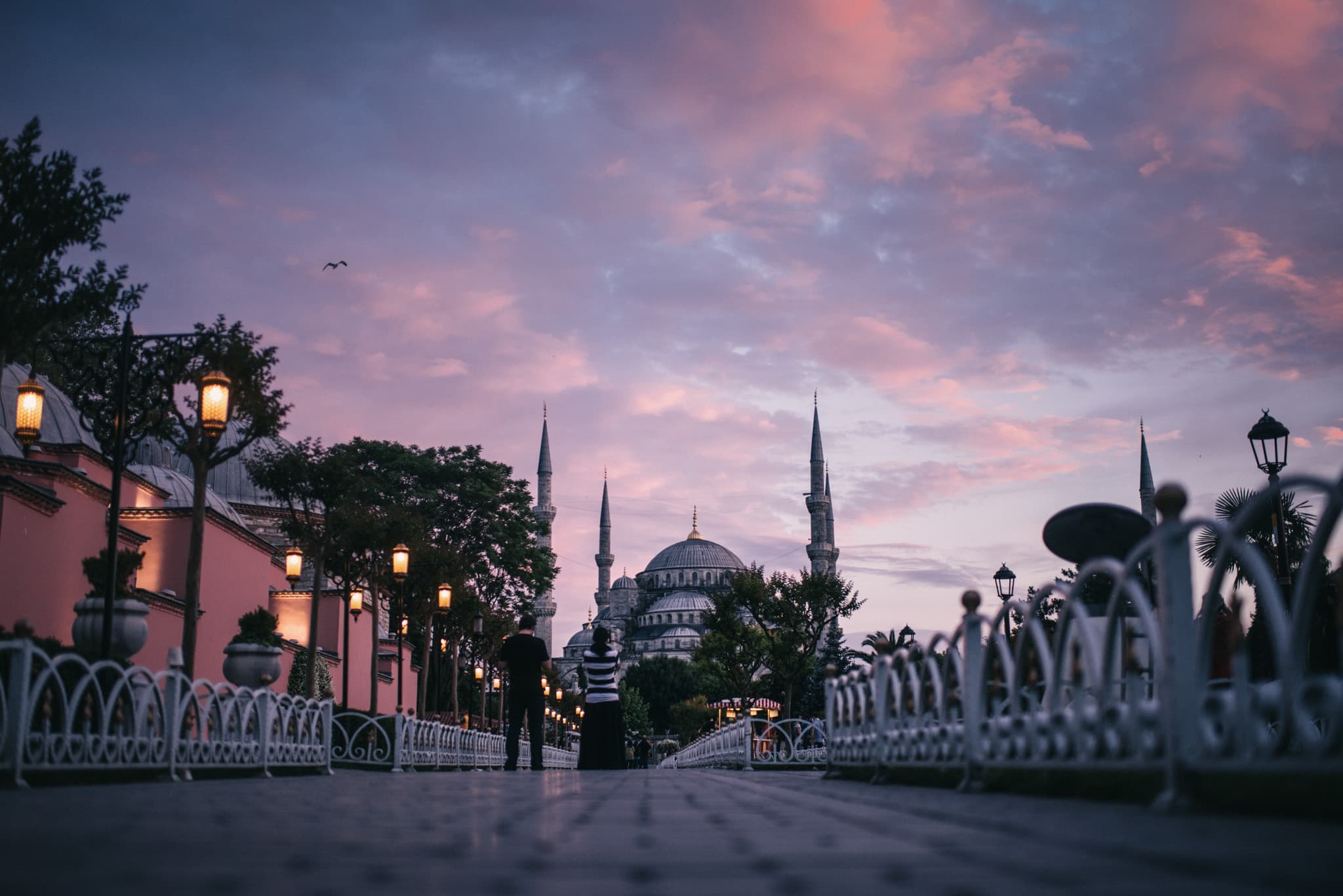
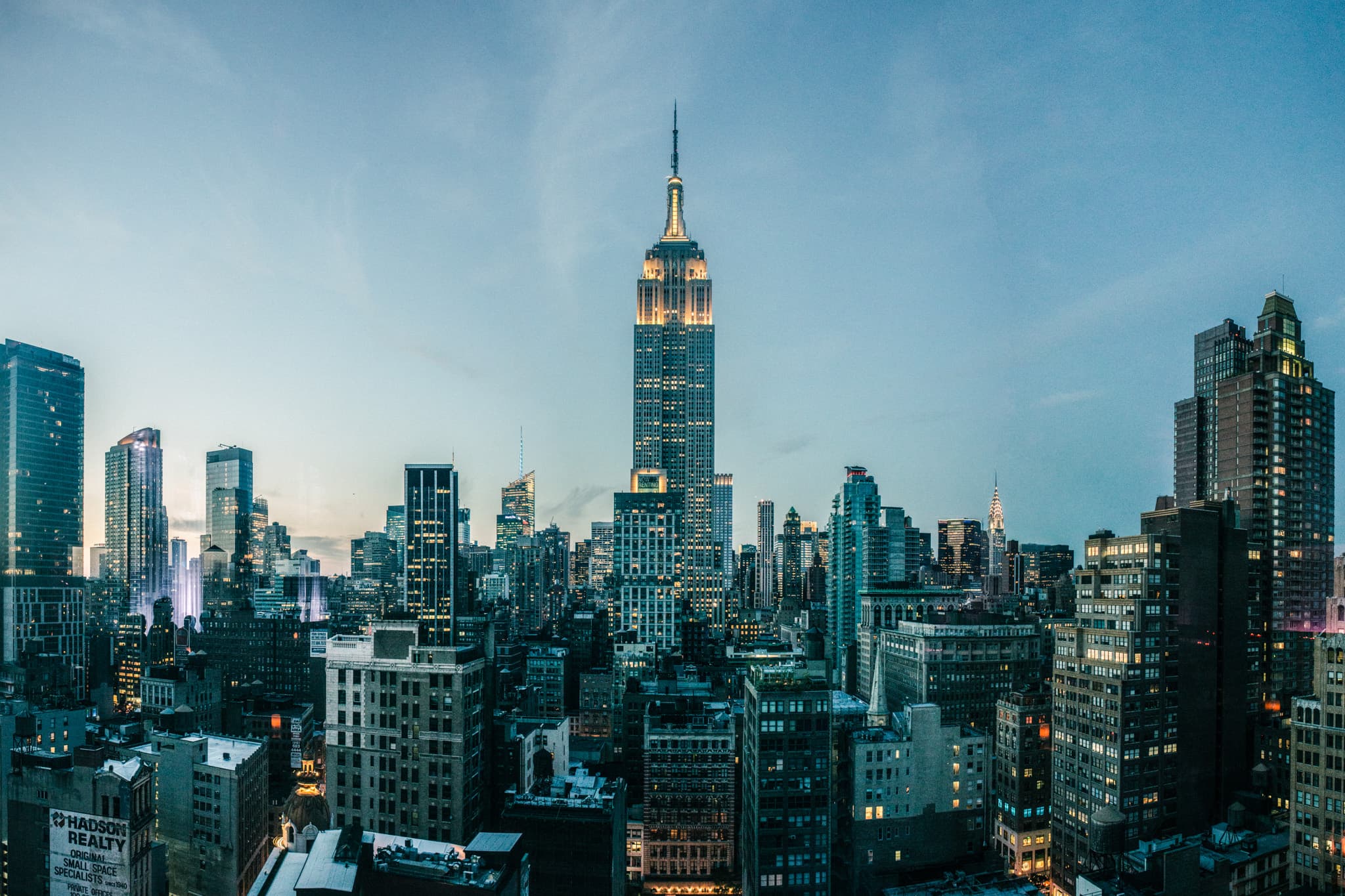
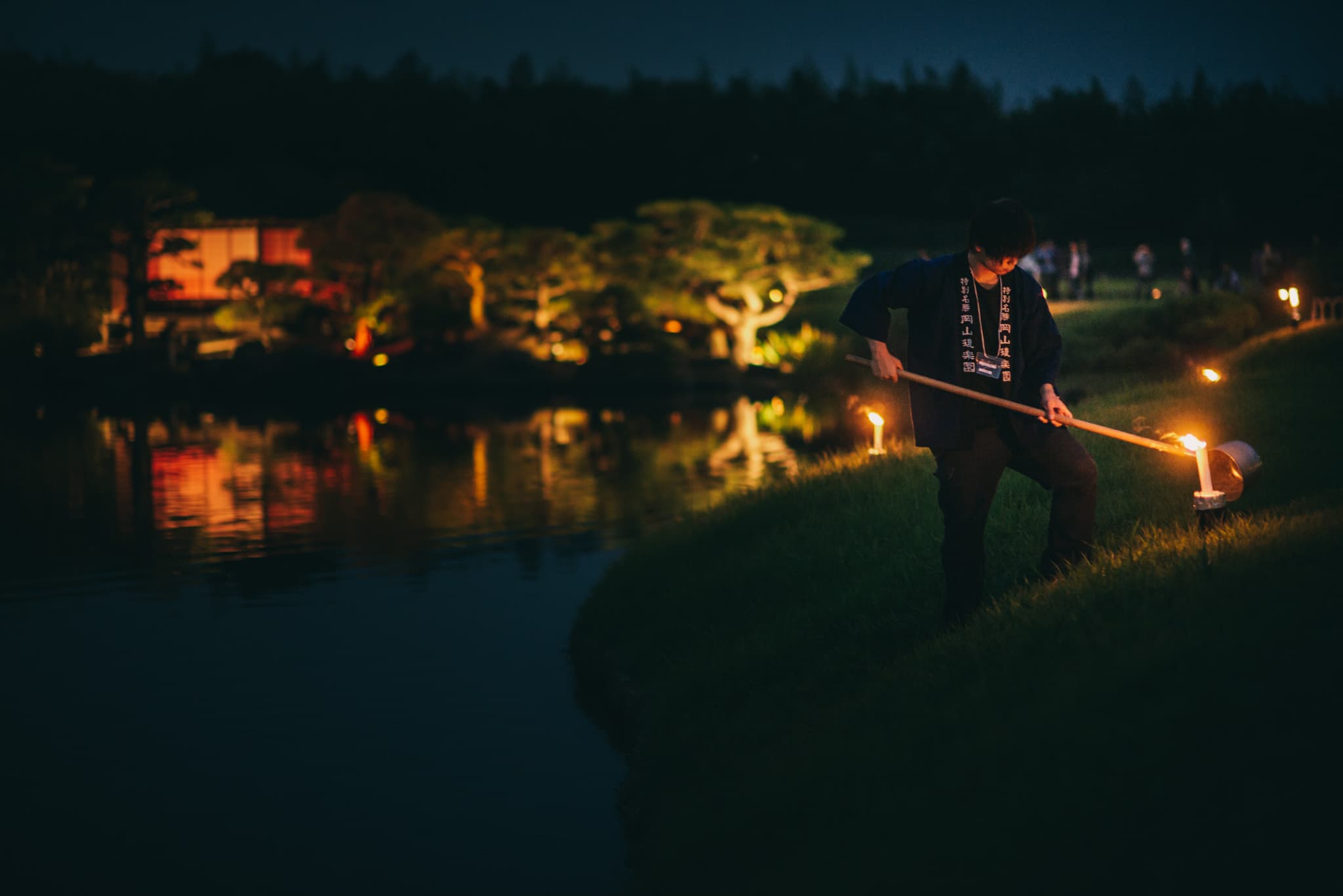

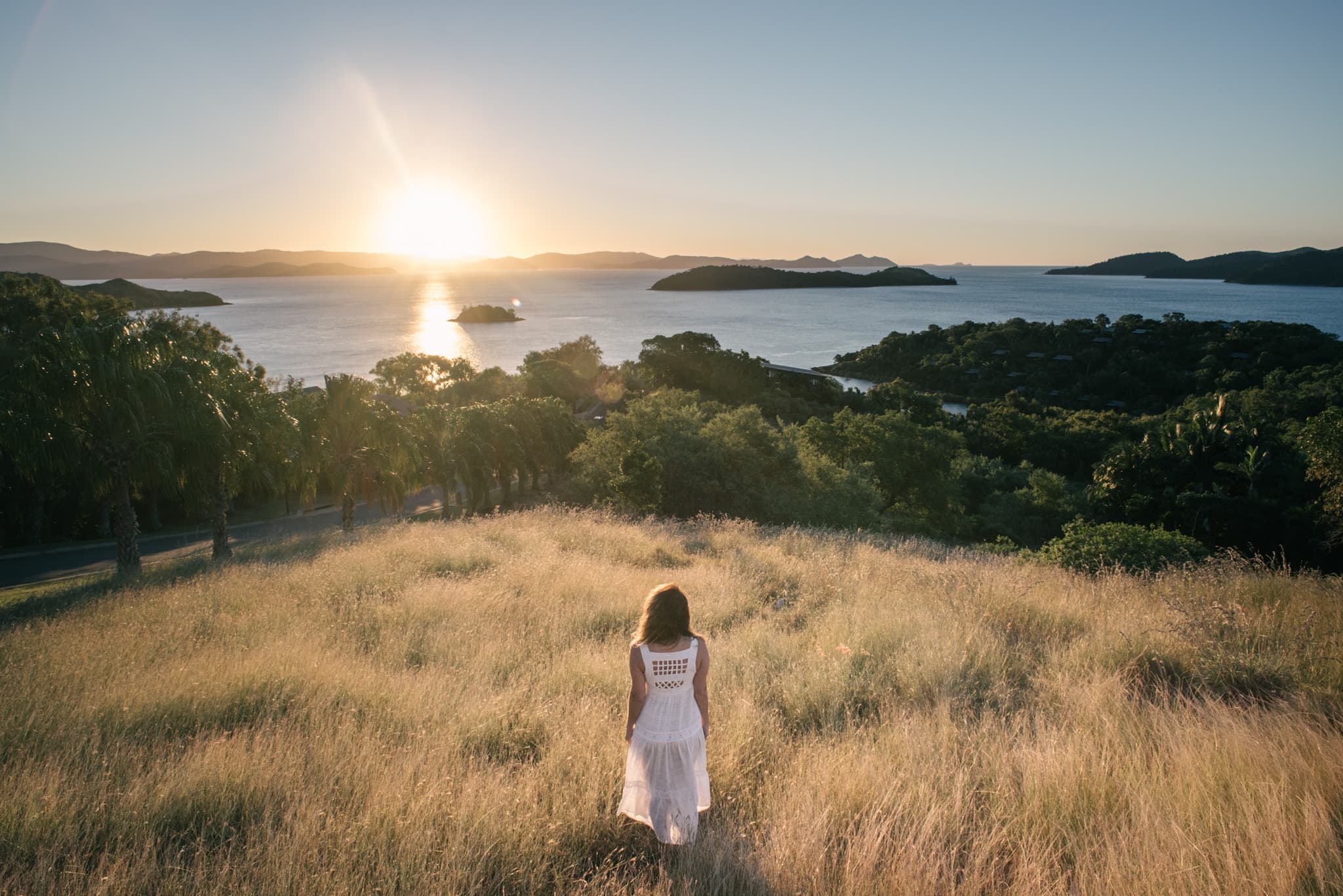
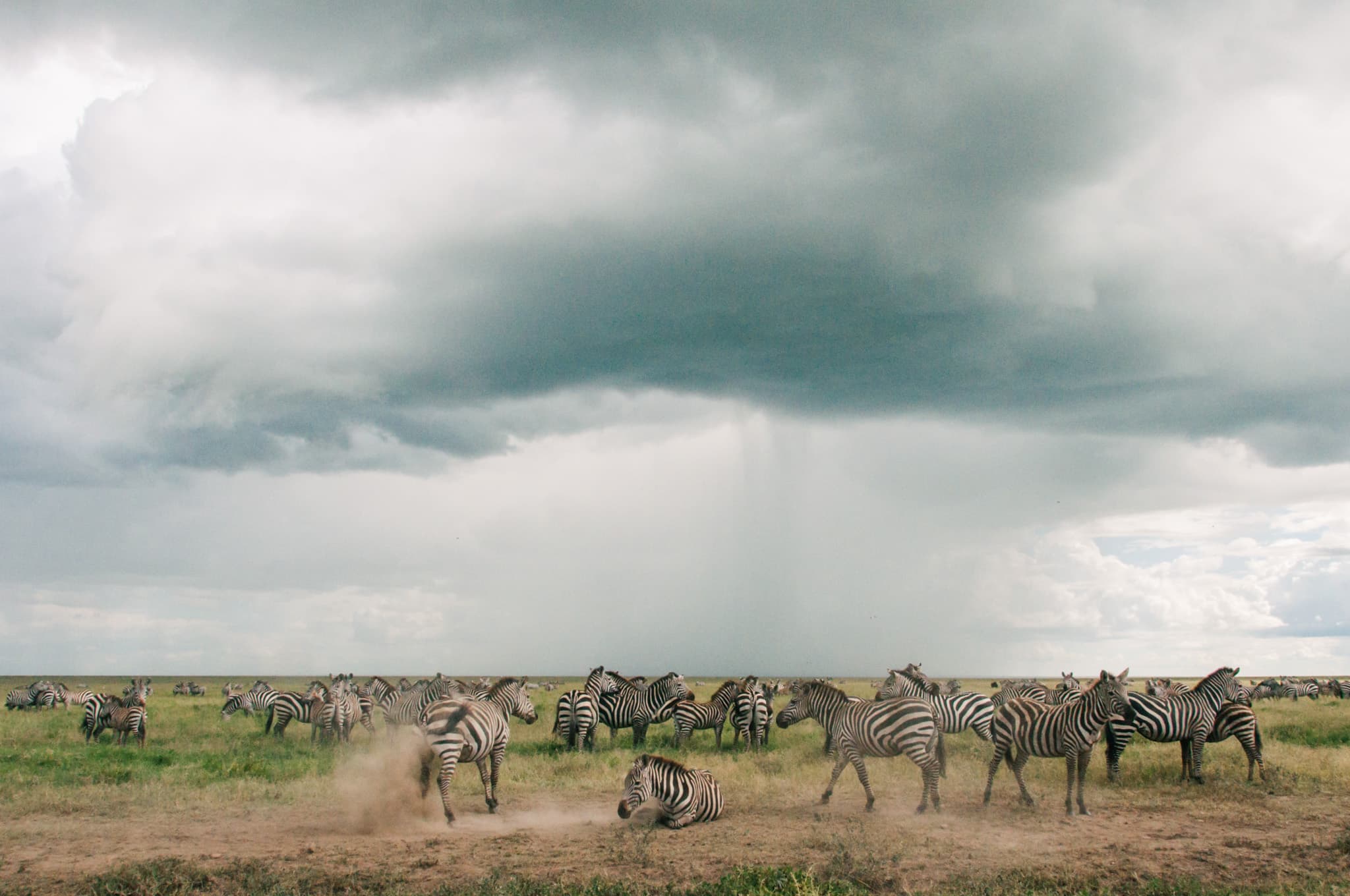
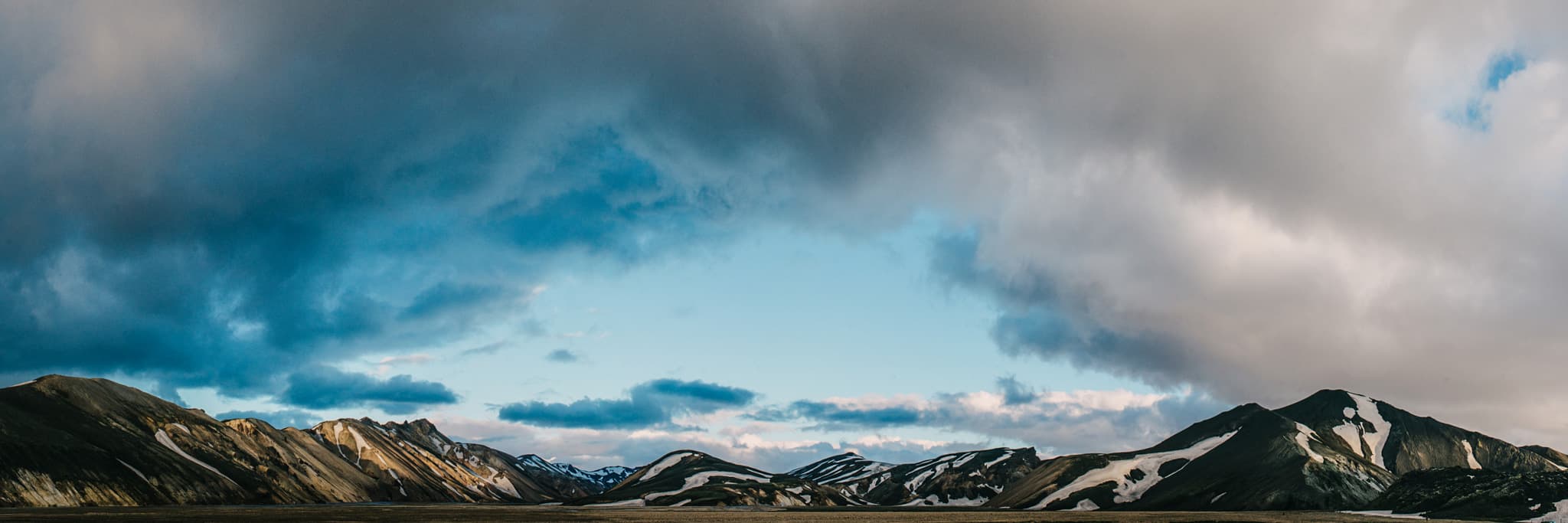
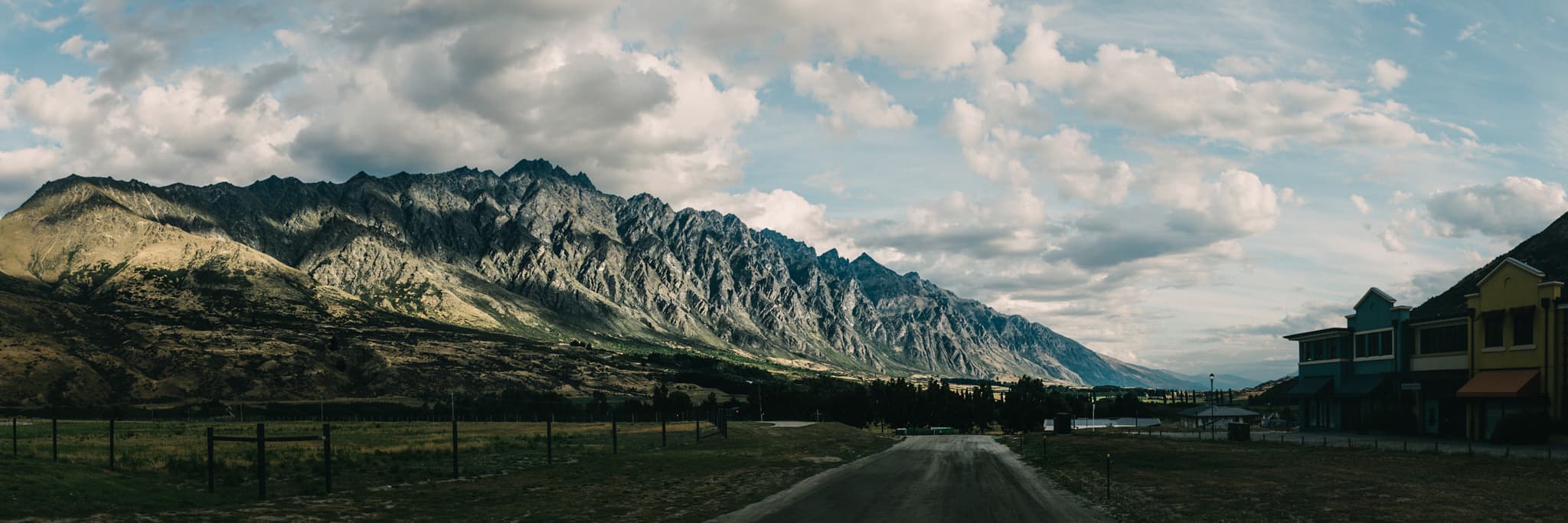
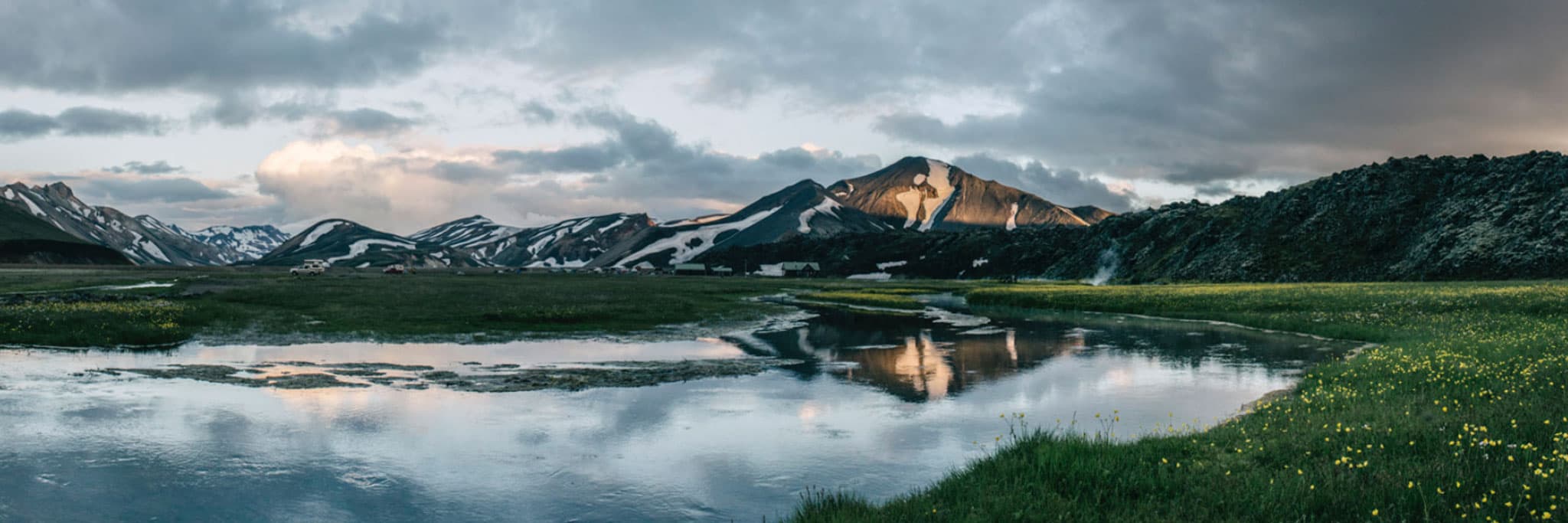
“A self-paced course covering Lightroom library management and RAW file development.”
There are two main learning areas in this workshop. Firstly, photographic management. You will learn how to efficiently manage 400,000 photographs using the Lightroom library module.
Secondly, development. I will give you my personal preset that I use to develop every single photograph. You'll learn exactly how to create your own preset, and how to use the fundamental tools of the develop module while working on RAW files from my personal travel photography portfolio.
If you want to master your camera settings first, book the 3-hour Melbourne workshop, or contact us if you have questions.
Lightroom Training for RAW File Development
Most cameras default to JPEG, and many photographers don't realise there's a second file type - RAW - that opens up a completely different development workflow.
In the film days amateur photographers and professional photographers had different ways of developing their 35mm film. Newbies would usually take their film to a generic low cost lab like Kmart, and every photographer's work would be developed with the exact same standardised process. On the other hand, professionals would develop their own film in their own dark room with their own chemicals. Or they would send it to a professional lab where it was developed with the photographer's individual style in mind.
With digital photography we have two different choices in file types produced by the camera: JPEG and RAW. Jpeg files are created by default when you buy your camera and this can be considered equivalent to taking your film to Kmart. RAW files are the digital negatives and developing them in Lightroom is equivalent to having a darkroom of your own.
Most professional photographers shoot in RAW. The big difference now is that we can use all of the same professional tools from the darkroom on our laptops using Lightroom. Switching from JPEG to the RAW and Lightroom workflow opens up the full range of what your camera can capture.
There are two problems which Lightroom solves for beginners. Firstly, using the library module allows us to manage all of our photographs in a simple and effective way. I have over 400,000 images in my Lightroom catalogue and I can find everything I need extremely quickly. Secondly, Lightroom allows us to develop our RAW files in our own unique way.
During the Lightroom course I'll be teaching you how to declutter and organise your own photographs with the same system I use to manage my own. And I'll be giving you a copy of my own personal preset and RAW files so you can follow me along, step by step and learn about the essential development tools we have at our disposal in Lightroom.
This workshop covers digital photographic development from start to finish in one session.
Online Course
Lifetime Access + 30-Min Zoom Call With Daniel
Start NowThis online Lightroom editing course covers everything from importing and organising to RAW development and exporting. No prior experience required.